Just the online menu

One QR code.
Always the right menu.

Give every table, window and Instagram bio a code that opens your real menu — photos, prices and sold-out items updated the second you change them. No app to download, no PDF to re-upload.

Set up in minutes. Free to start — no card required.
A restaurant's online menu open on a phone, showing categories and dishes with photos and prices
A QR code that opens the menu shown on the phone Scan me

How it's different from a PDF

A menu that keeps itself honest

A QR code to a PDF goes stale the day you change a price. This one doesn't.

Scan, browse, done

No app to download. Guests scan the code on the table or in the window and see the real menu instantly, in their own language.

Always up to date

Mark a dish sold out or change a price in your panel and it's live everywhere in seconds — no reprinting, no waiting.

Six languages, one click

English, Turkish, Arabic, Farsi, German, Russian — write it once in your language and auto-translate fills in the rest.

Your brand, your URL

Your logo, your colors, your own smartkitchenai.app/yourname/menu link — not a generic template with your name typed in.

From paper menu to live QR code

Three steps, no developer required

This is the same self-service signup real restaurants use to get started — it's not a sales call away.

Step 1

Add your menu

Paste the text, upload photos of each page, or a PDF — our AI drafts every category, item and price for you to check.

Step 2

Make it yours

Add photos and descriptions, set size/price options like Small ₺250 · Medium ₺500, and pick your languages and currency.

Step 3

Get your link + QR

A ready-to-print QR code and a real URL — on the table, the window, or your Instagram bio, live immediately.

Not a mockup

This exact menu is live right now

Scan it, click it, switch the language — it's a real menu running on our real platform, not a design file.

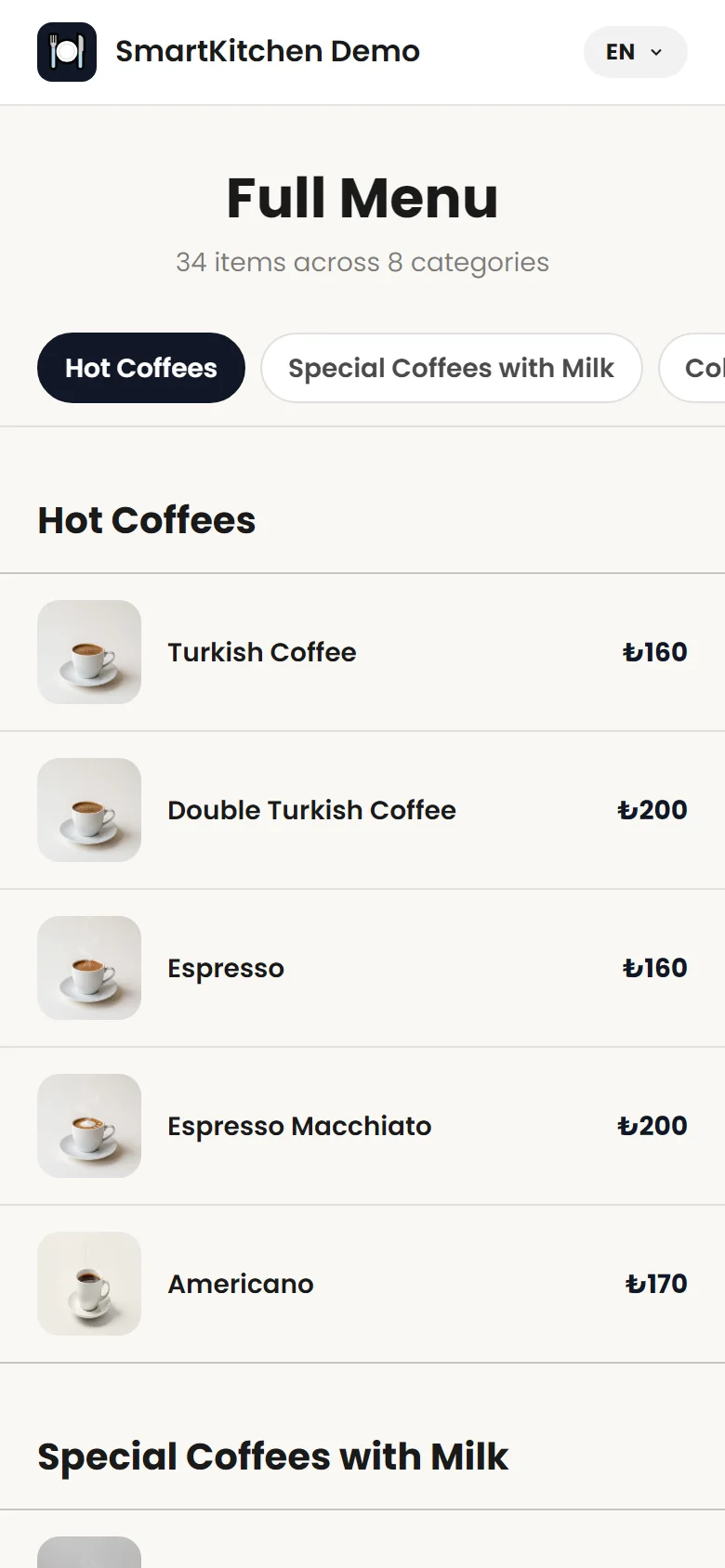
Live online menu listing dishes by category with photos and prices
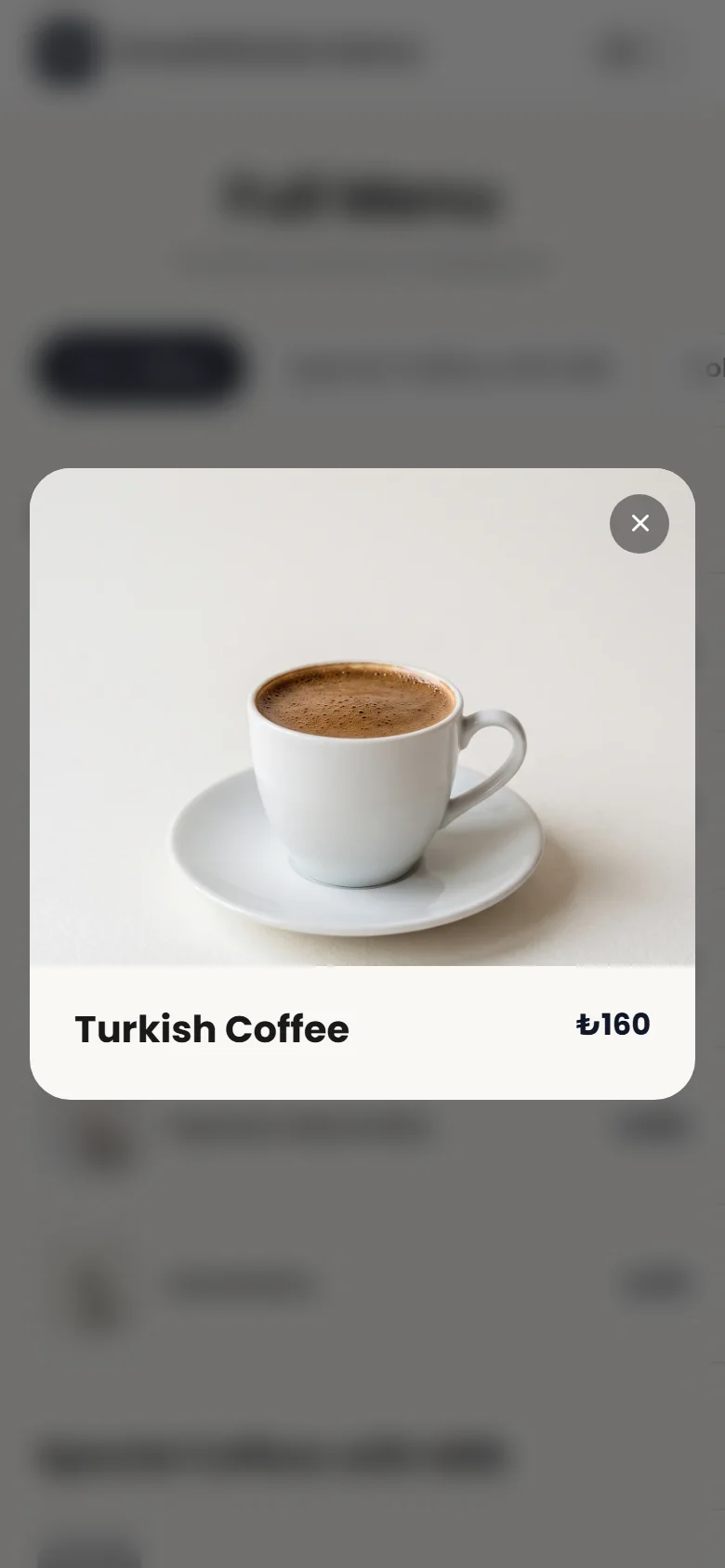
A dish detail view opened from the live online menu
QR code linking to a restaurant's online menu
yourrestaurant.com/menu

What you actually get

Everything a digital menu needs, nothing it doesn't

  • Multi-photo galleries and descriptions for every dish
  • Size and price tiers — Small / Medium / Large, however you price it
  • Sold-out items hide themselves automatically, then reappear on restock
  • Six languages with one-click auto-translate, and your own currency
  • A downloadable, print-ready QR code and a real URL of your own

Before you ask

A few honest answers

Do I need the full SmartKitchen platform for this?

No — the QR menu works completely on its own. You can add POS, kitchen printing or loyalty later from the same account, if you want them.

Is it really free?

Yes, to start. Creating your menu, your link and your QR code costs nothing.

Can I keep editing after it's live?

Any time. Changes save instantly — no app update to wait for, nothing to reprint.

I don't have a digital menu yet.

Upload a photo or PDF of your paper menu and our AI drafts the categories, items and prices for you to review and approve.

Ready in the time it takes to read this

Give your menu a QR code today

Free to start. Upload your menu, pick your languages, and you'll have a link and a QR code before your coffee's cold.